
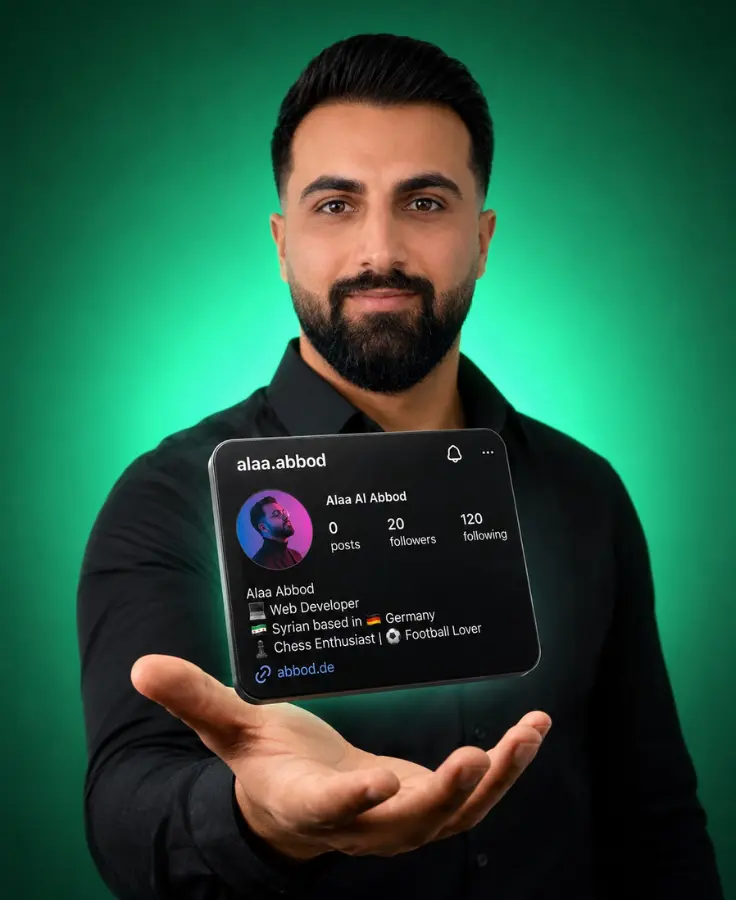
Alaa Abbod
Creative developer — design and code, Herne, Germany

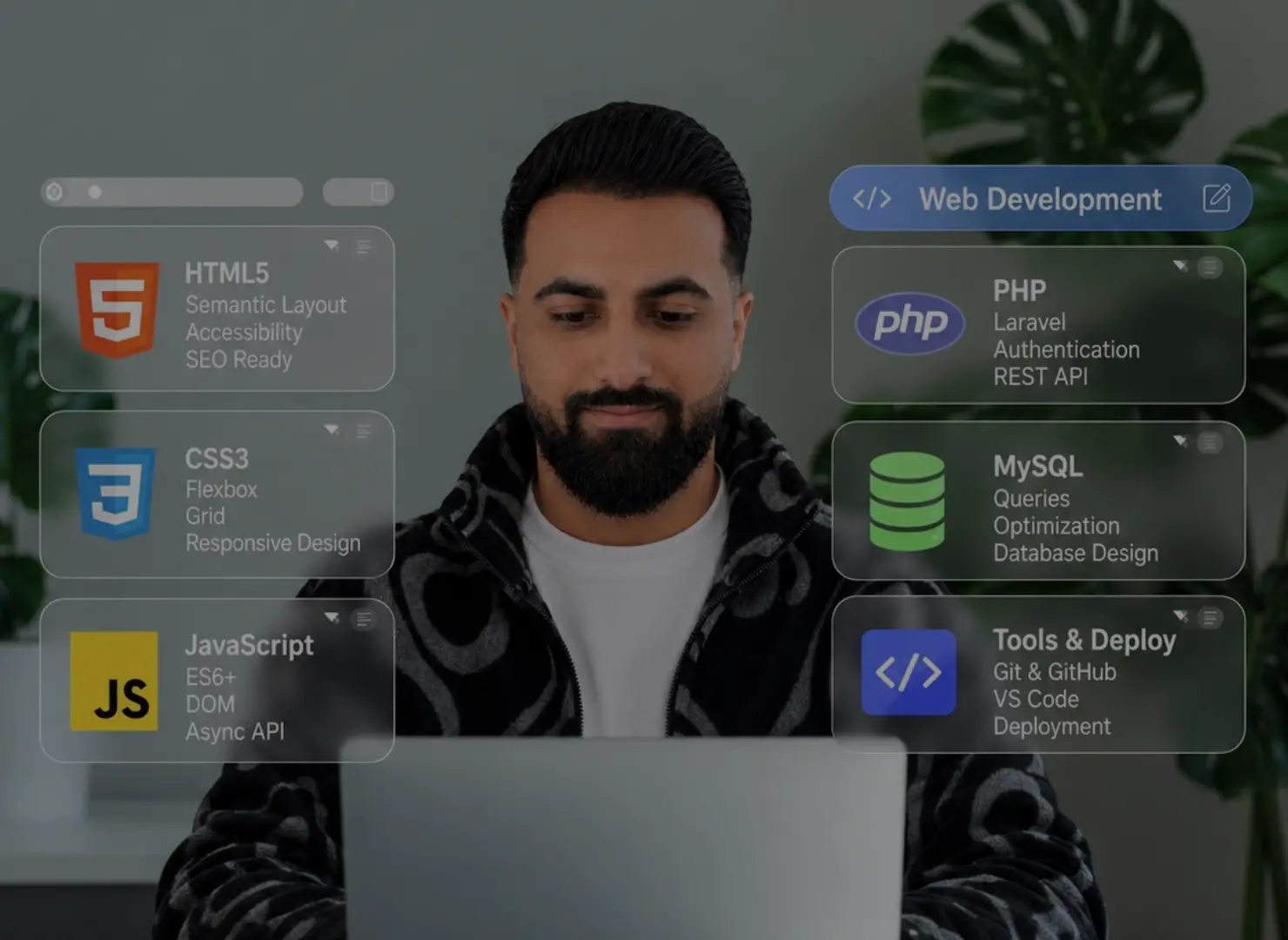
HTML, CSS and JavaScript — learning how a blank page becomes something structured, responsive and interactive.
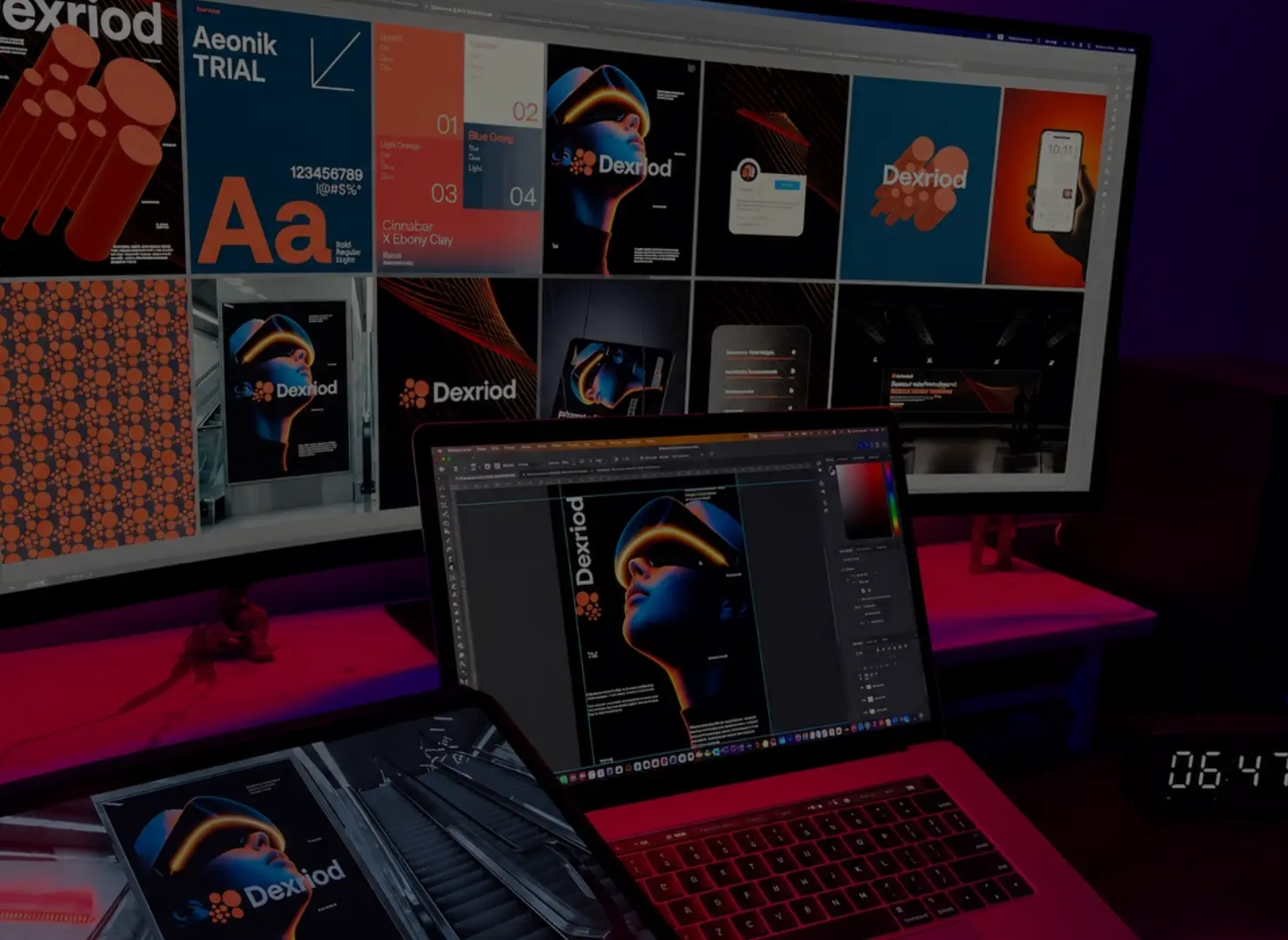
Typography, colour, composition and identity — learning that how something works and how it feels are part of the same problem.

Different ideas, different visual directions and different technical problems — each build became a reason to learn something new.

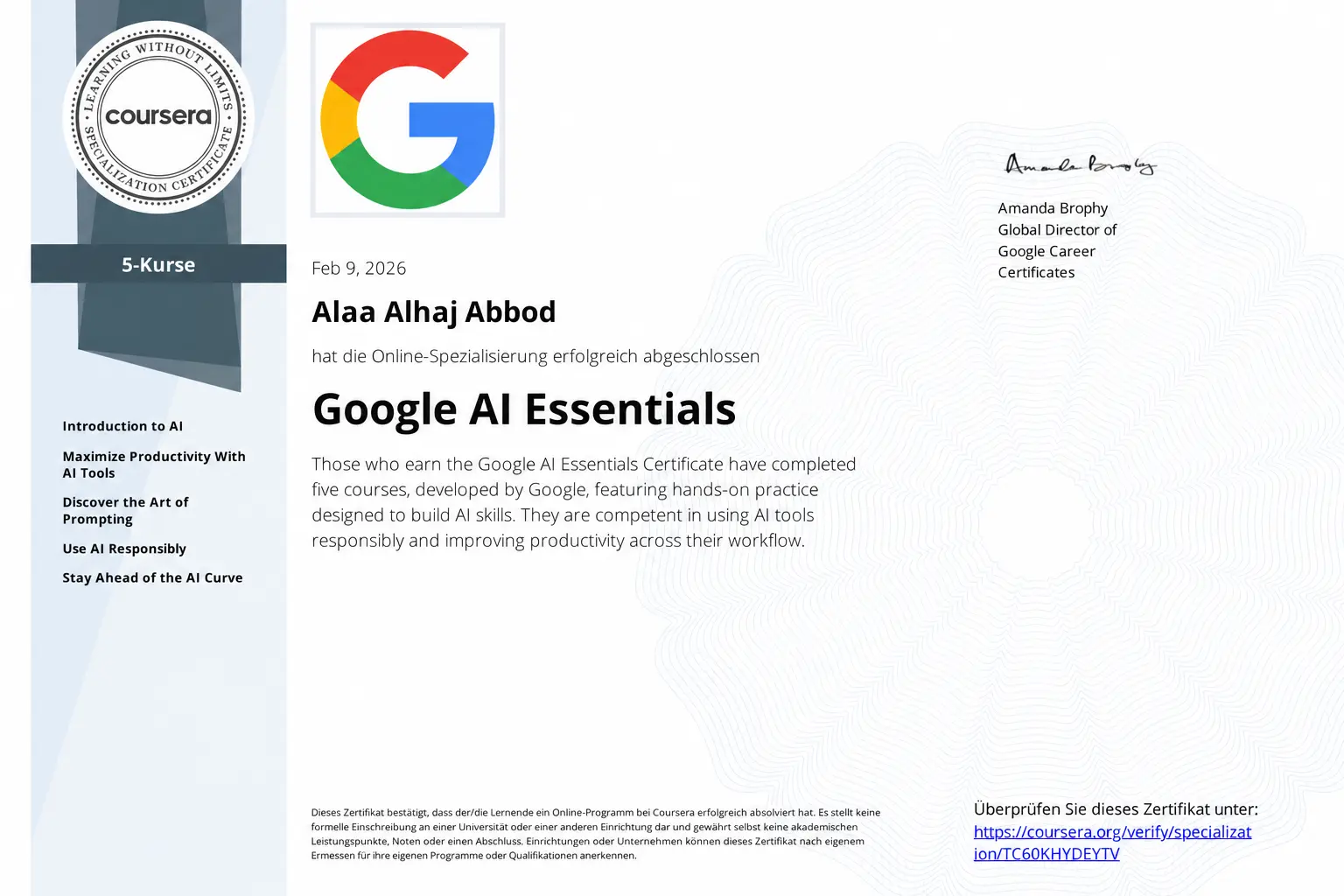
Completing Google AI Essentials took me deeper into using AI for exploration, prompting, productivity and problem-solving.
CODE
SIDE
Behind every interface there is logic and detail the user never sees — and that is the part I love to build. Ordered code, measured interaction, and an experience that works the way it should.
DESIGN
SIDE
Design is what lifts the experience to another level — from type and colour to composition and motion, I build a visual experience that is hard to forget.



Languages & Technologies
From the web to the server and mobile apps — the languages and technologies I build with, each with its own role and its own way of turning an idea into something that works.
-
Markup
web -
Styling
web -
Language
web -
Language
web -
Library
web -
Framework
web -
Framework
web -
Runtime
server -
Styling
web -
Query
data -
Language
server -
Language
server -
Language
ios -
Language
android -
Language
mobile -
Tooling
workflow


five courses one credential
Five courses that widened my understanding of AI from the fundamentals to practical use — from prompting and productivity to using it responsibly and folding it deliberately into how I work.
-
Introduction to AI
part of Google AI Essentials
What generative AI actually does — and where its limits are.
-
Maximize Productivity With AI Tools

part of Google AI Essentials
Speeding up the working day: drafting faster, summarising clearer, ordering with less effort.
-
Discover the Art of Prompting

part of Google AI Essentials
Writing a clear prompt, then sharpening it until the result is usable.
-
Use AI Responsibly

part of Google AI Essentials
Bias and privacy — and where the decision stays a human one.
-
Stay Ahead of the AI Curve
part of Google AI Essentials
Keeping a practice current while the tools change month by month.
-
the credential
Google AI Essentials
Google · Coursera
- issued to
- Alaa Alhaj Abbod
- date
- Feb 9, 2026
- credential id
- TC60KHYDEYTV
selected projects
Self-initiated work built to test different ideas, visual directions and interaction patterns — each project with its own character, its own logic, and its own way of bringing design and code together.
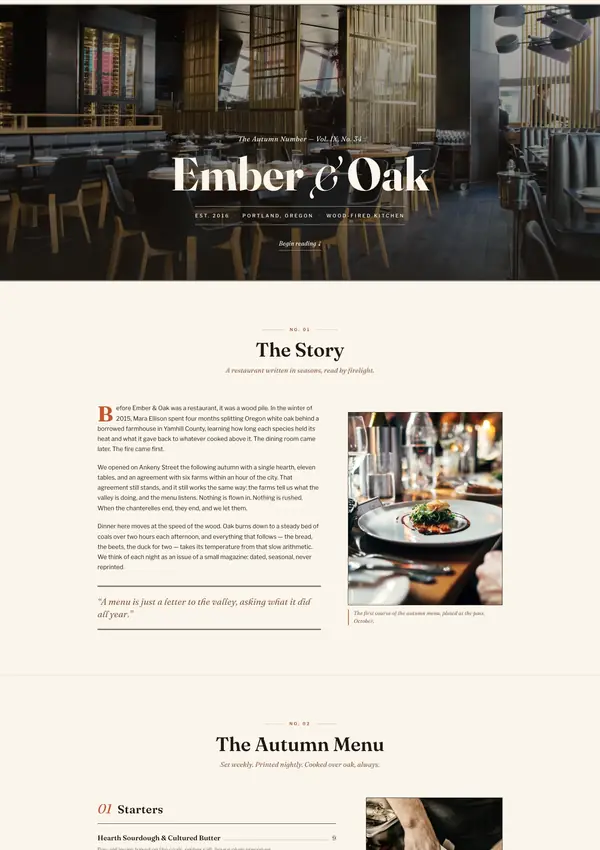
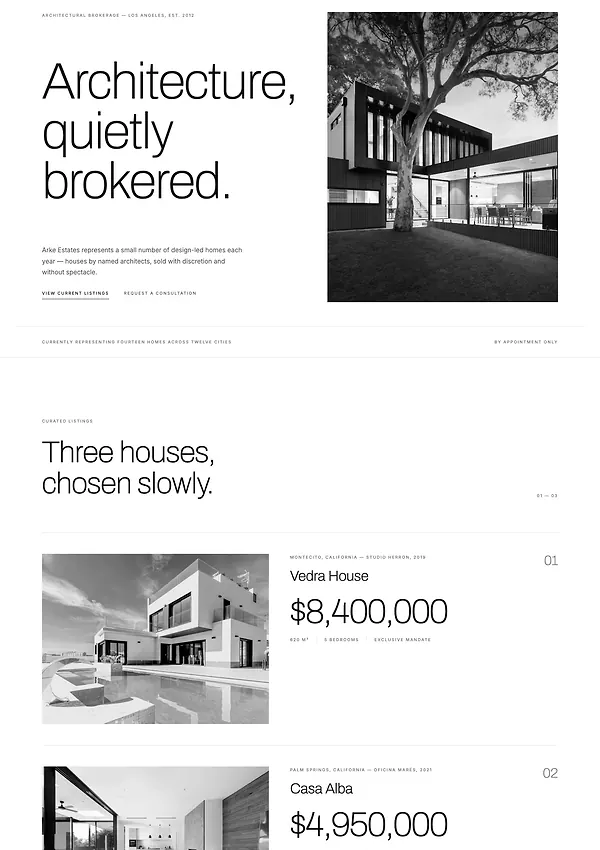
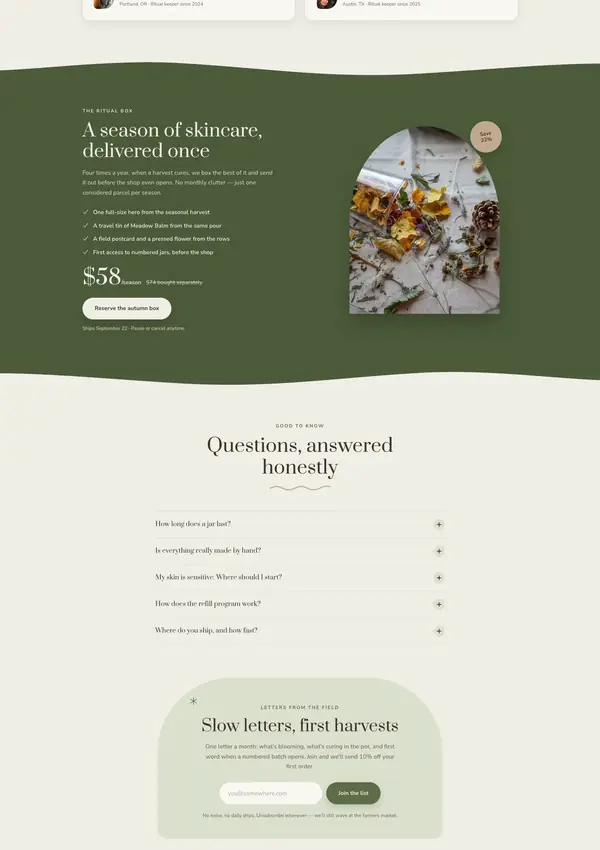
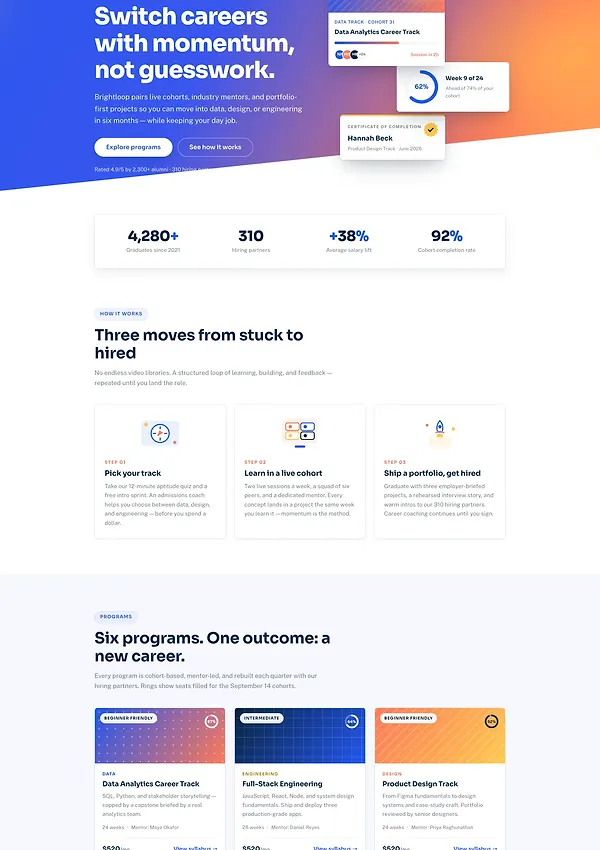
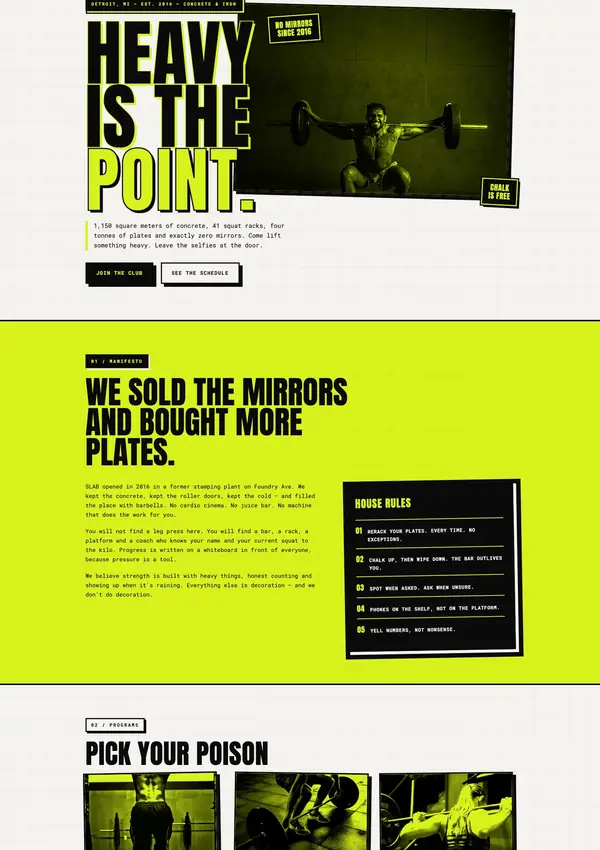
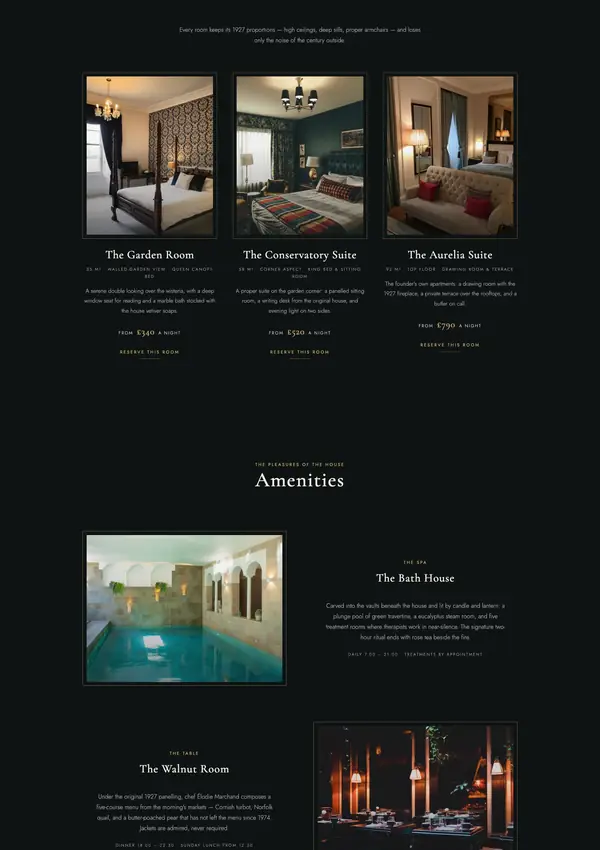
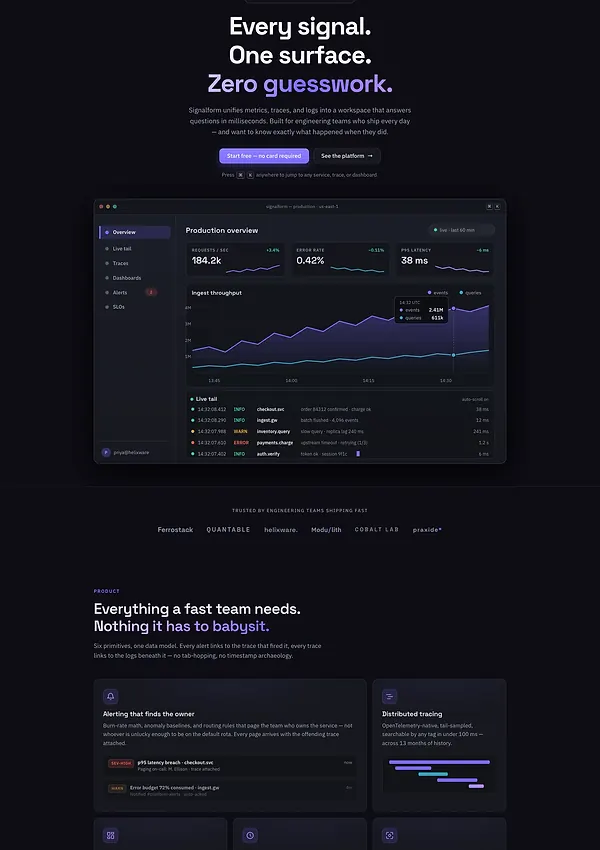
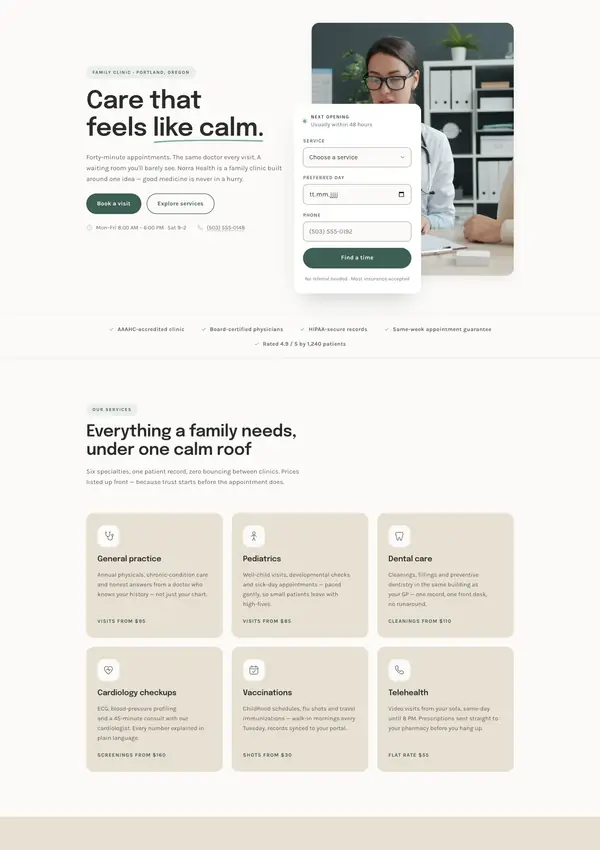

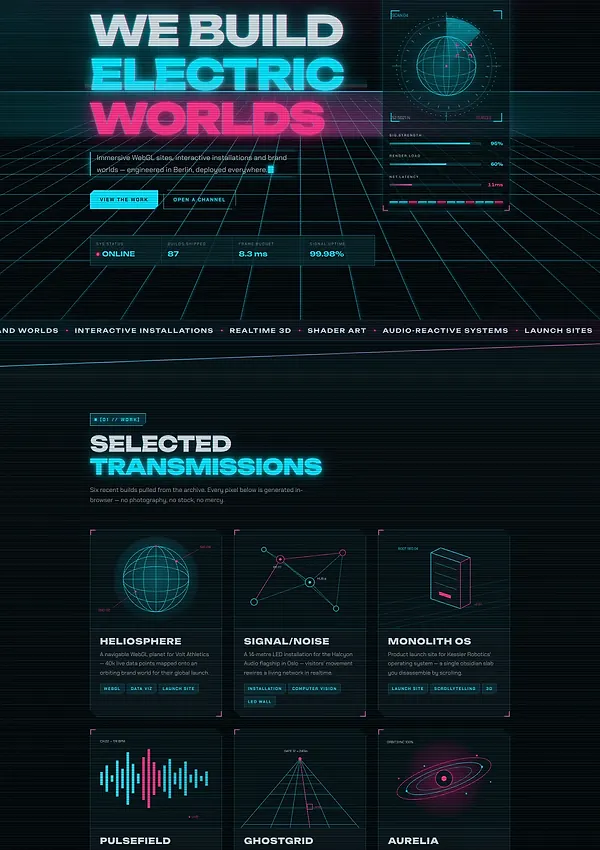
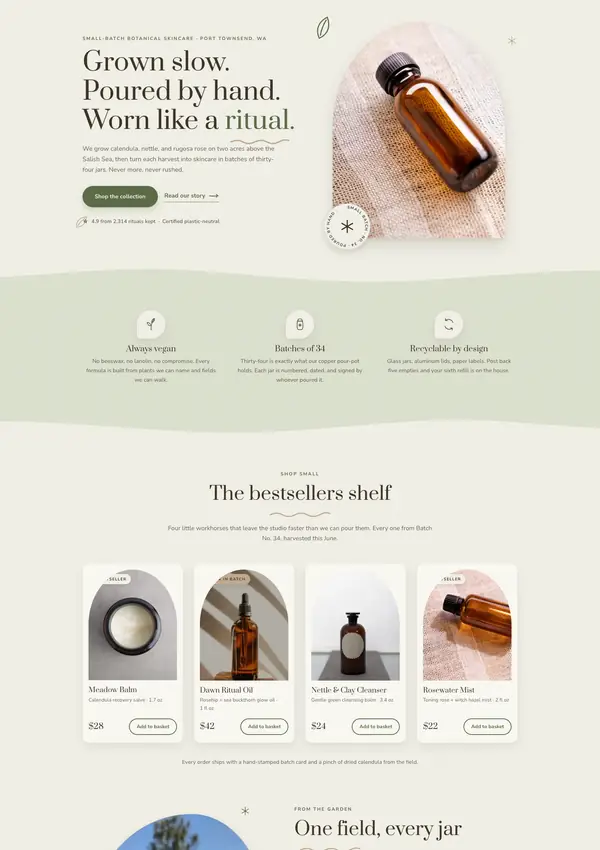
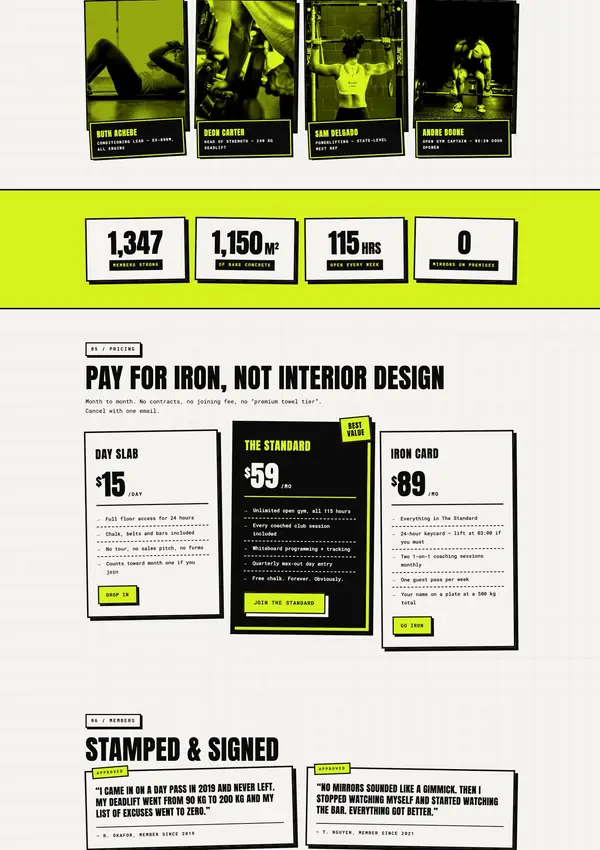
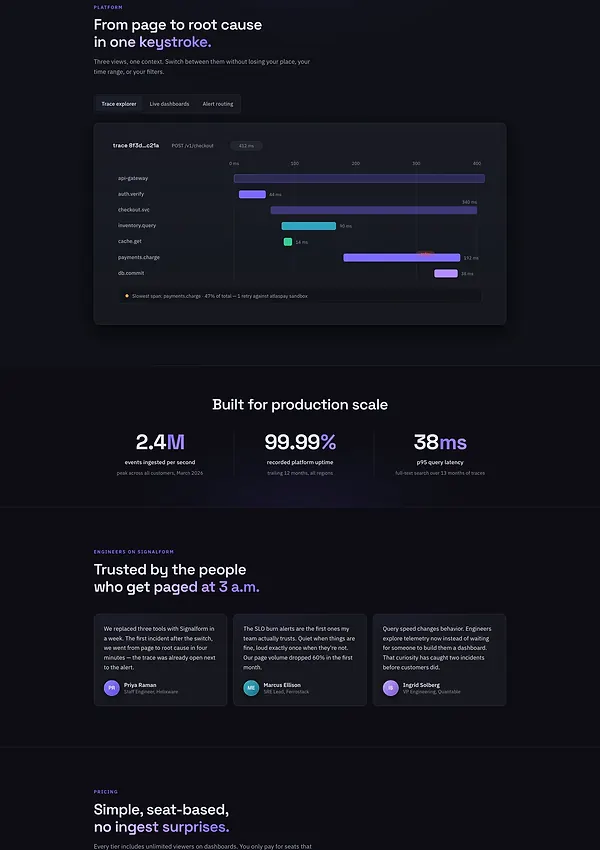
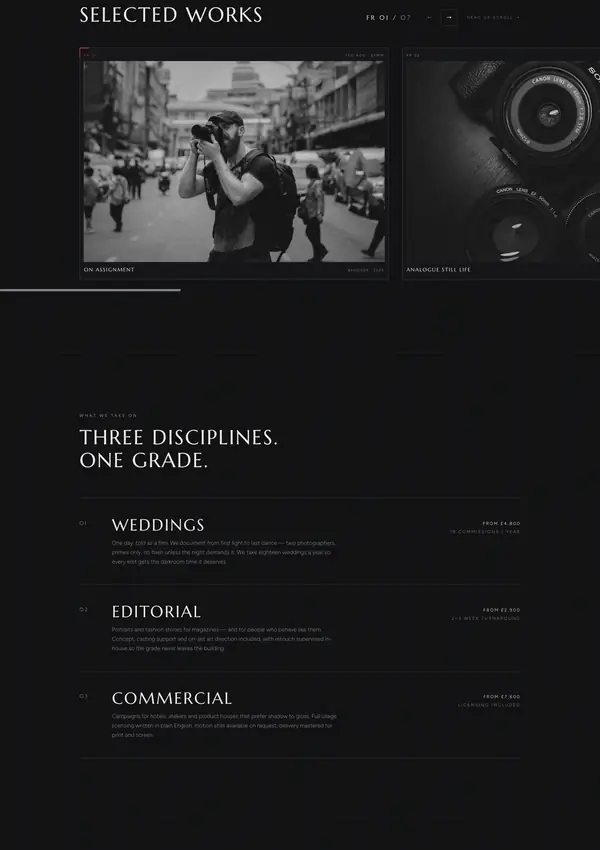
10 concept builds · live previews · build notes
explore all projectsfour disciplines
Design and development meet across four areas I move between — from interfaces and digital experiences to visual identity, each with its own tools, its own details and its own way of turning an idea into an experience.
Websites
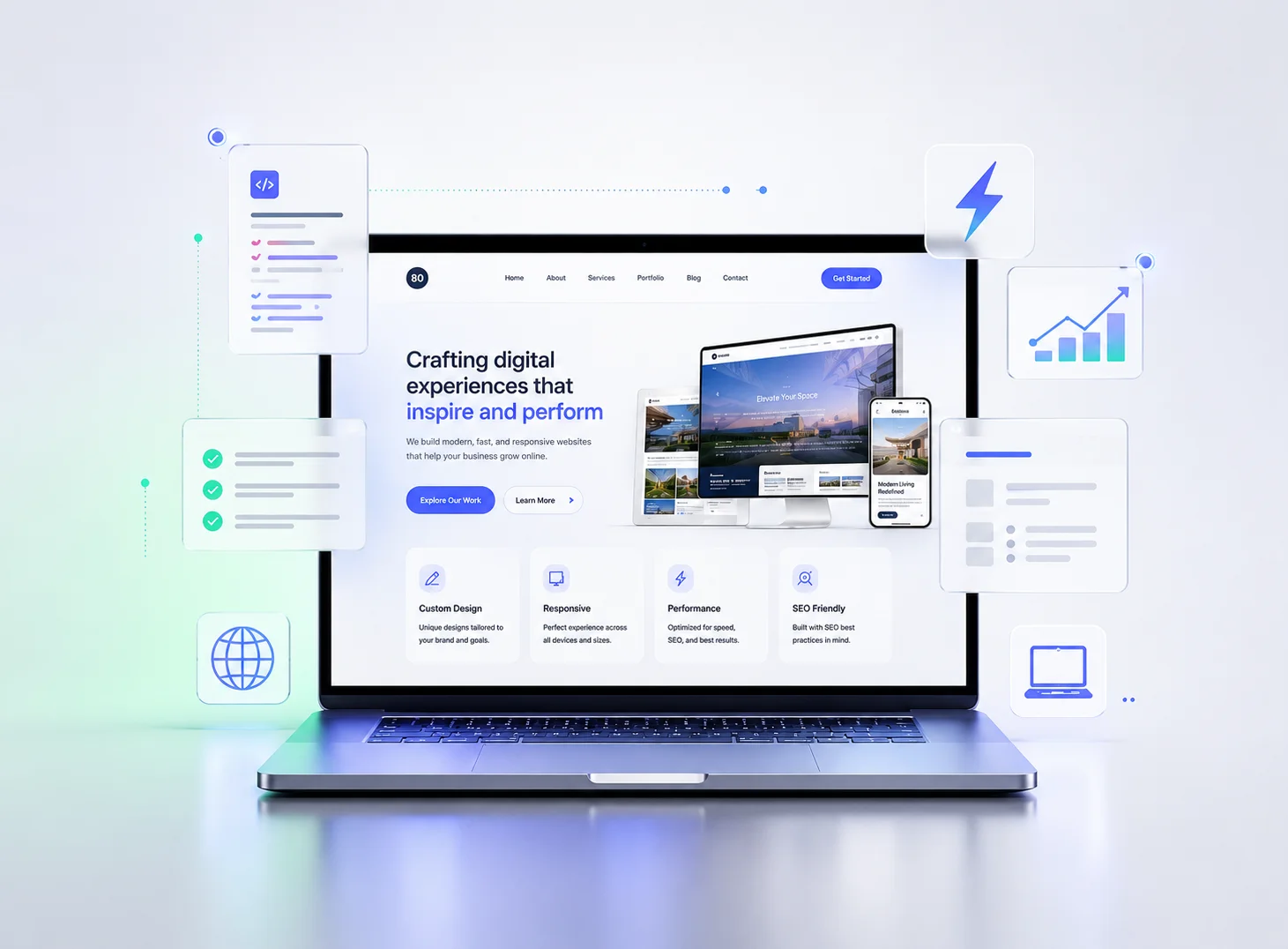
From landing pages to interactive experiences — I build interfaces that combine clear structure, considered visual detail, and code that keeps the experience fast and responsive.
Mobile App Development
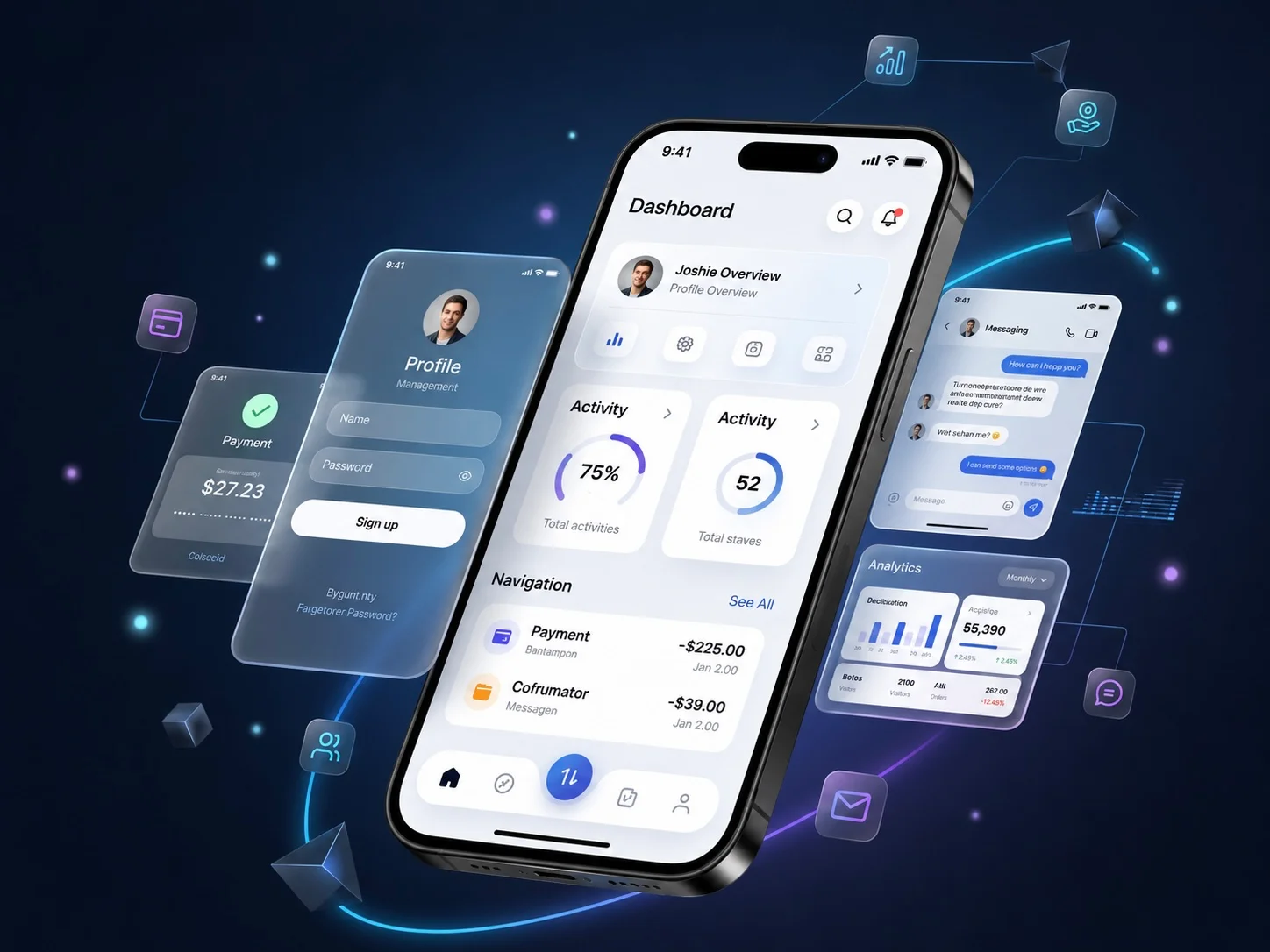
Interfaces and experiences designed for small screens — from navigation and content order to interaction and the details that make an app feel natural and coherent.
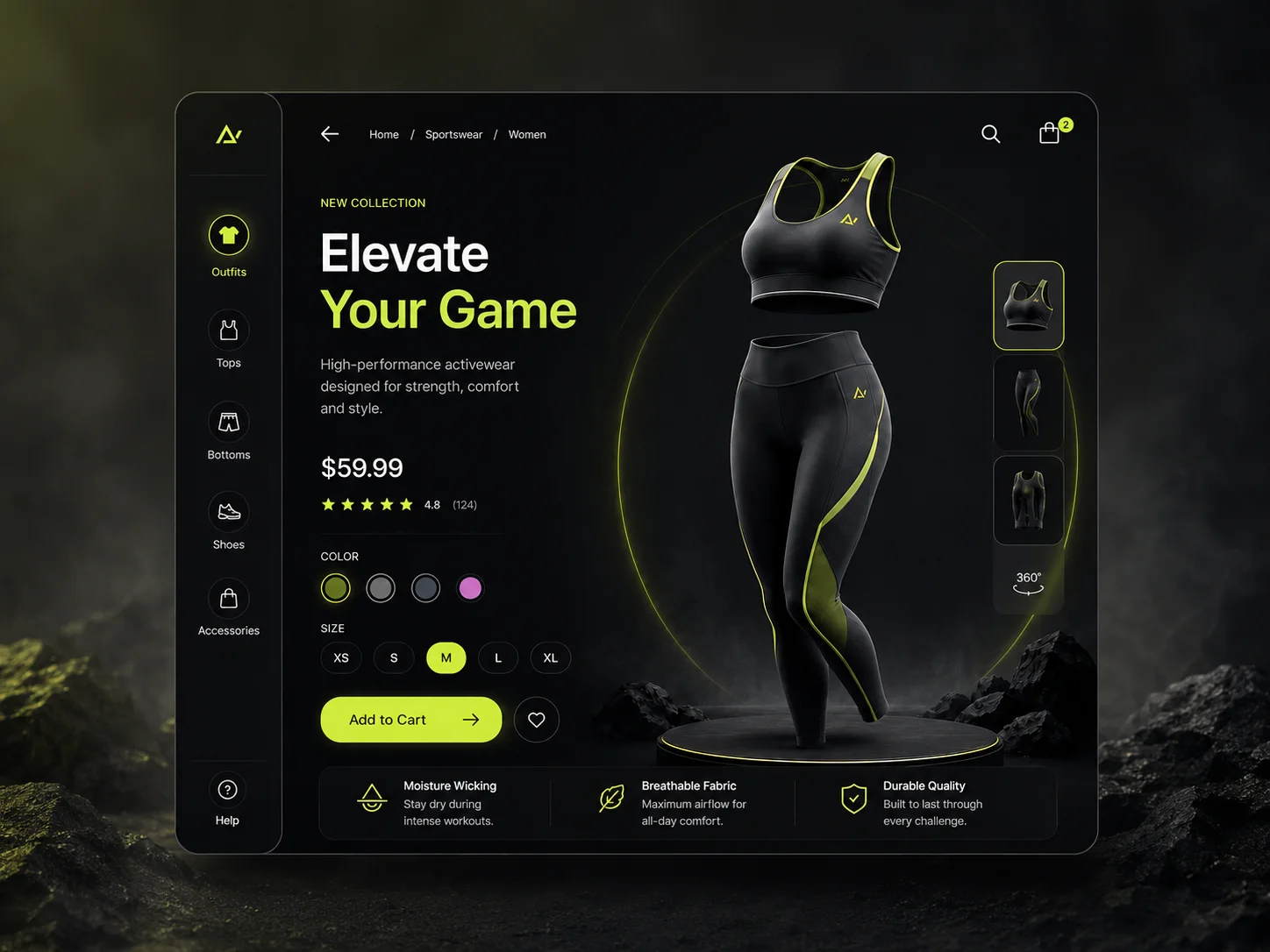
E-commerce
Shopping experiences that bring product presentation, easy browsing, interaction and visual identity together — so every detail works as one system that guides the visitor clearly.
Graphic Design
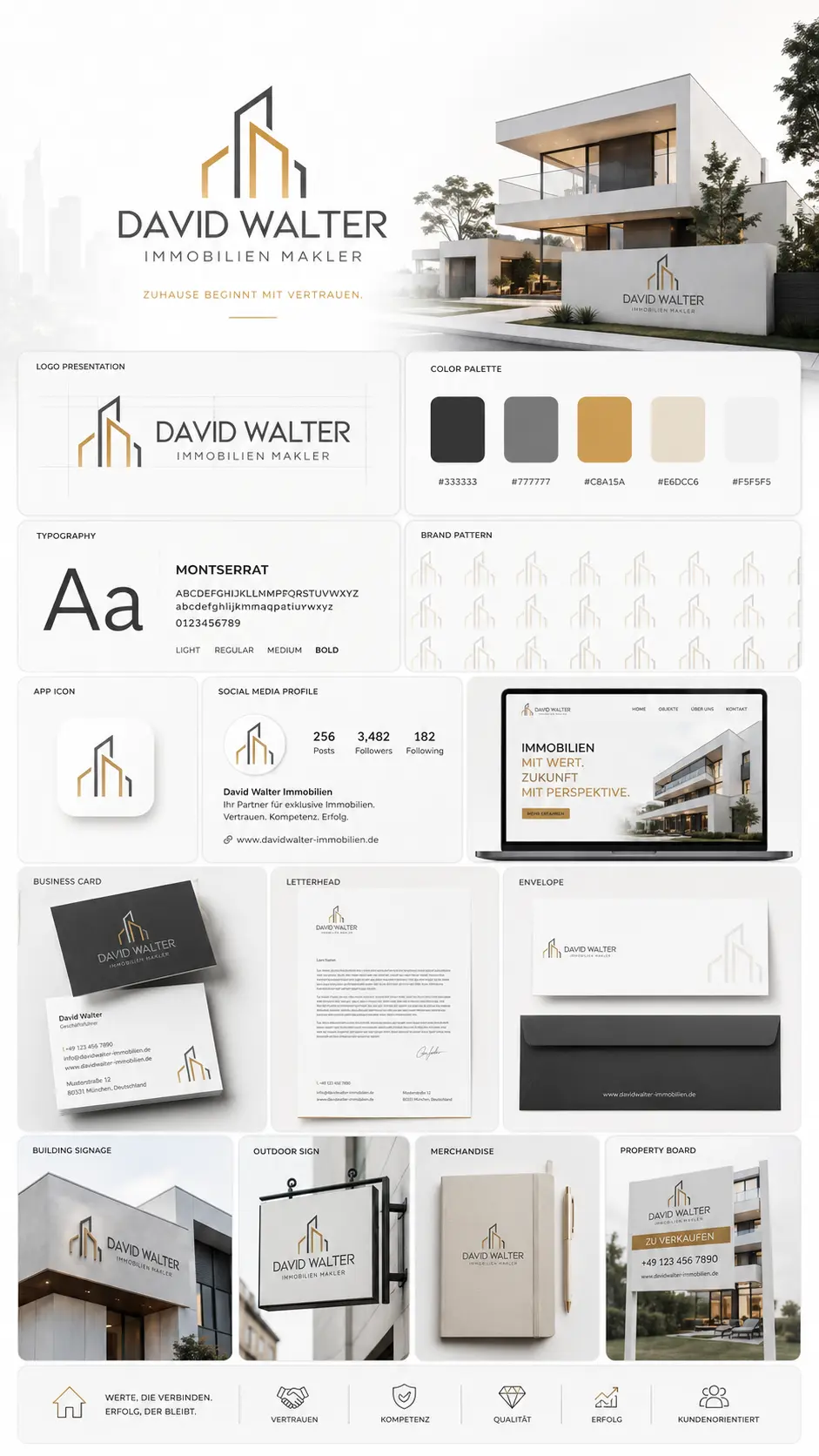
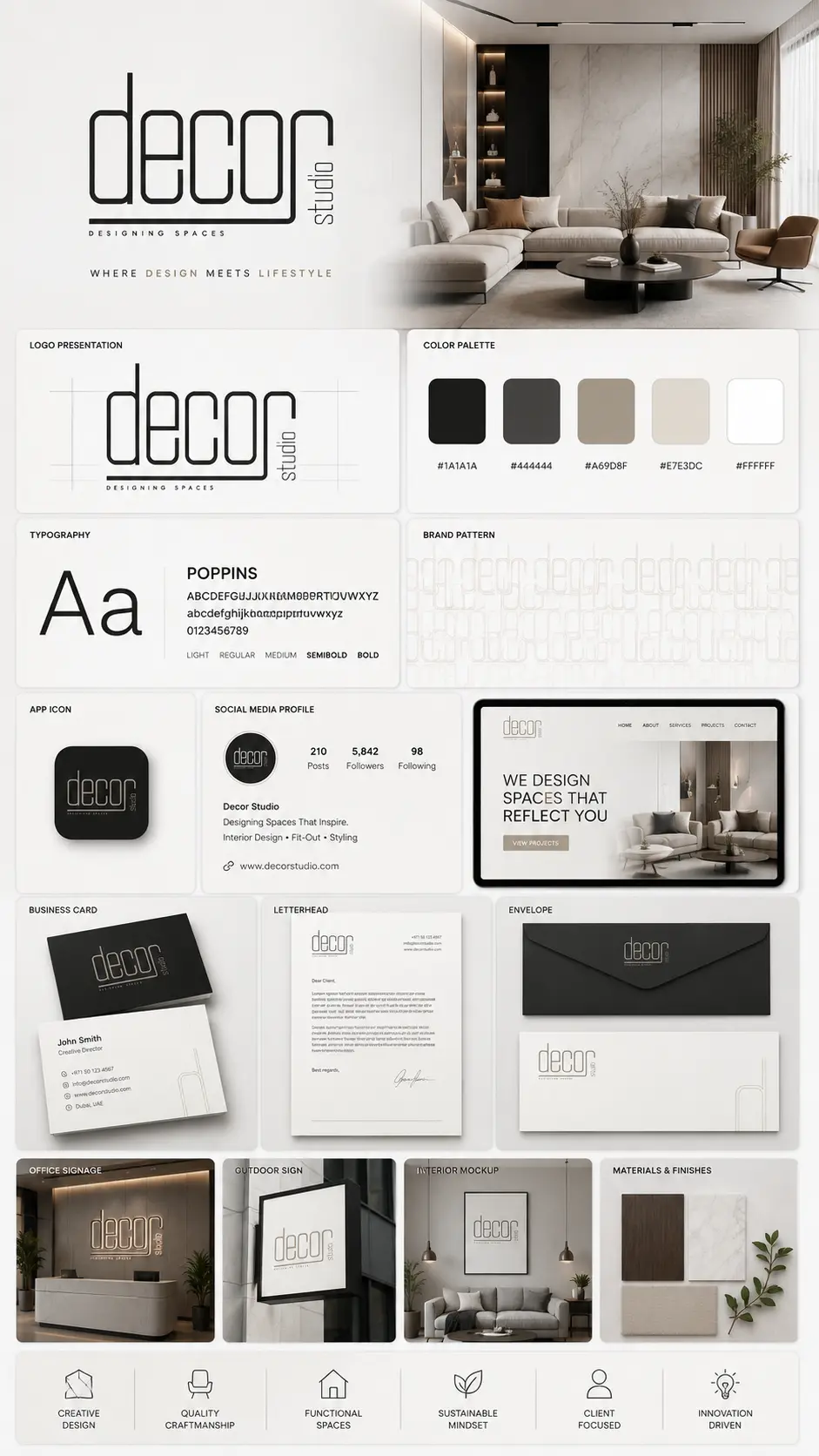
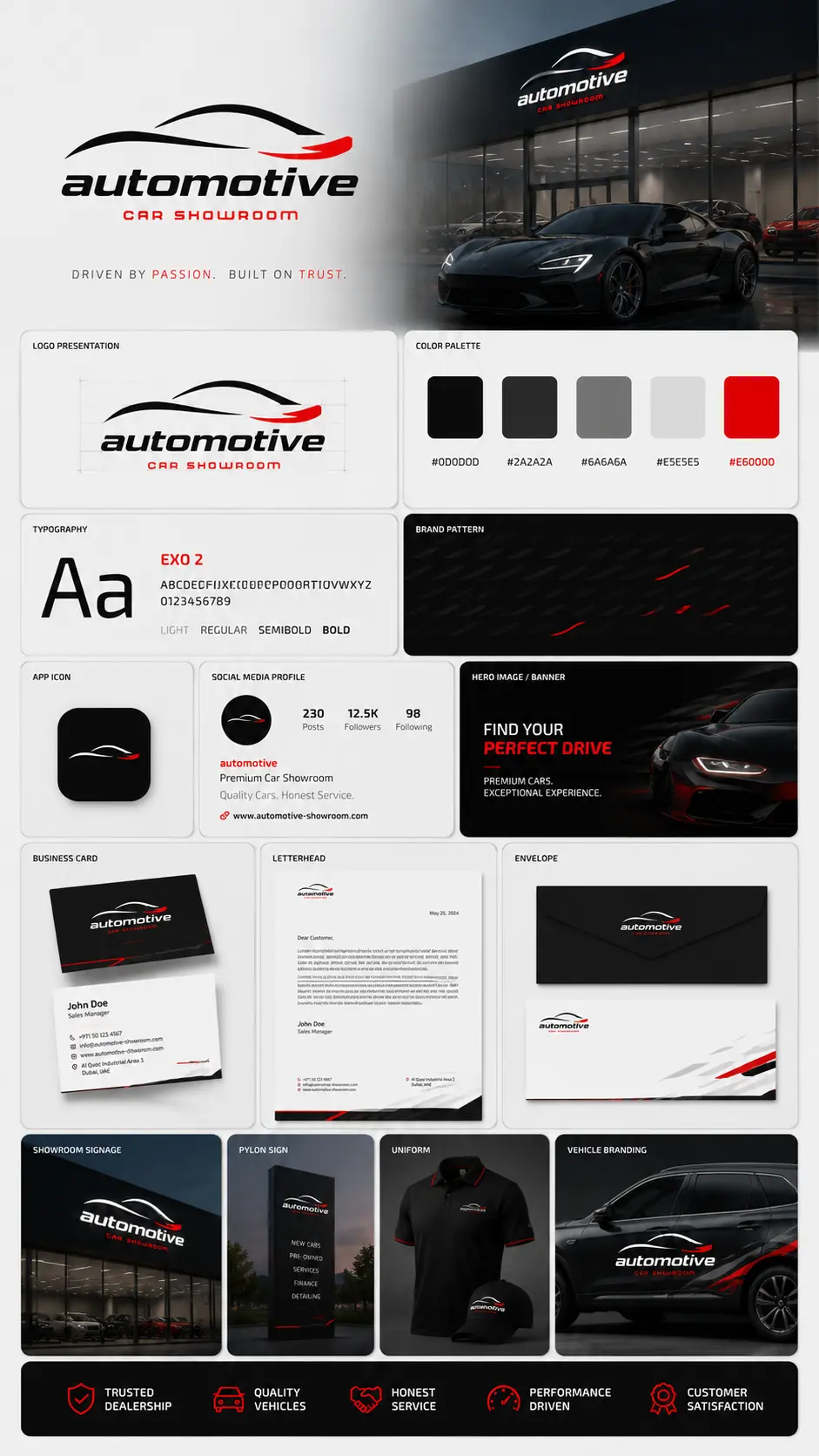
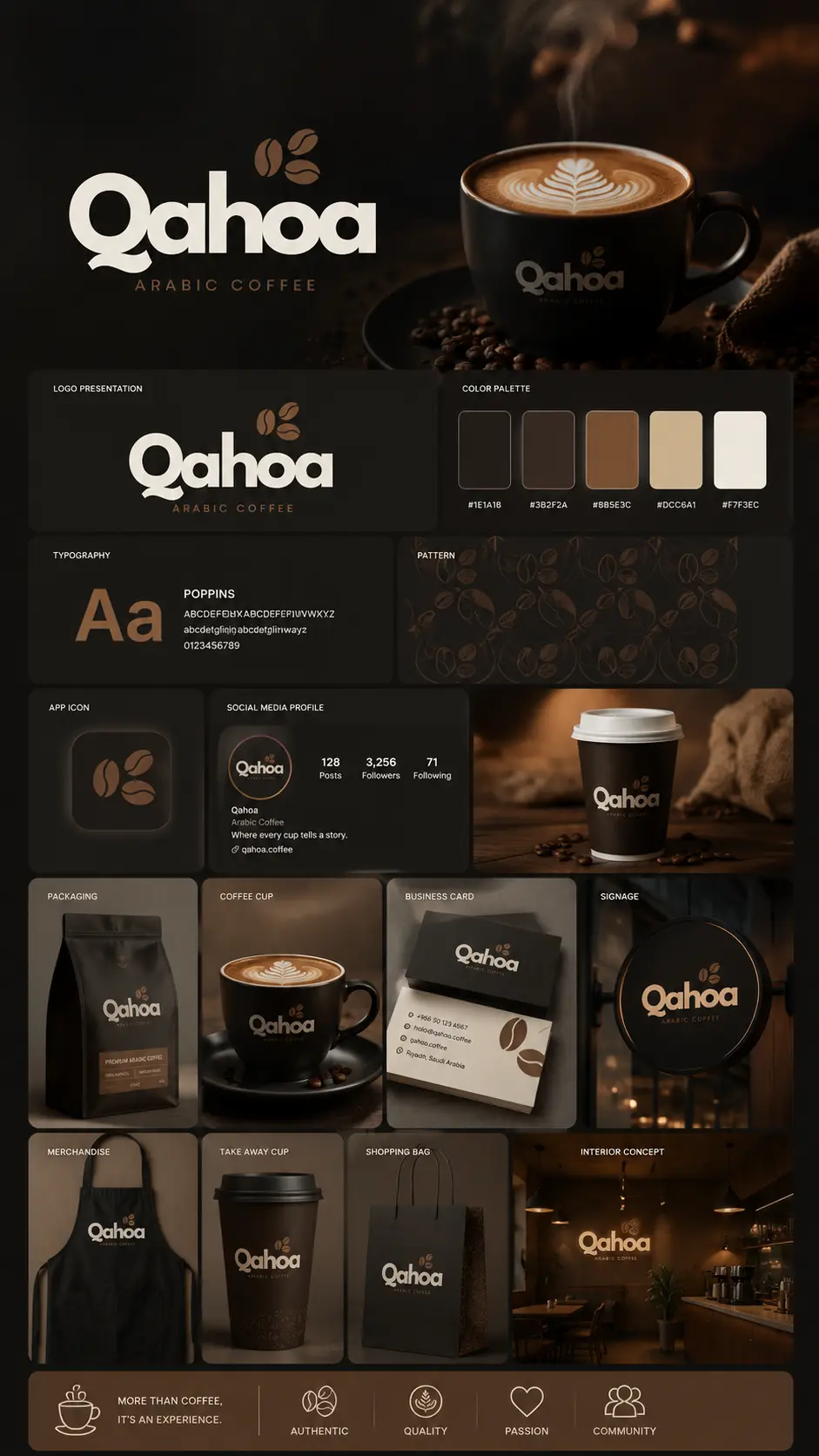
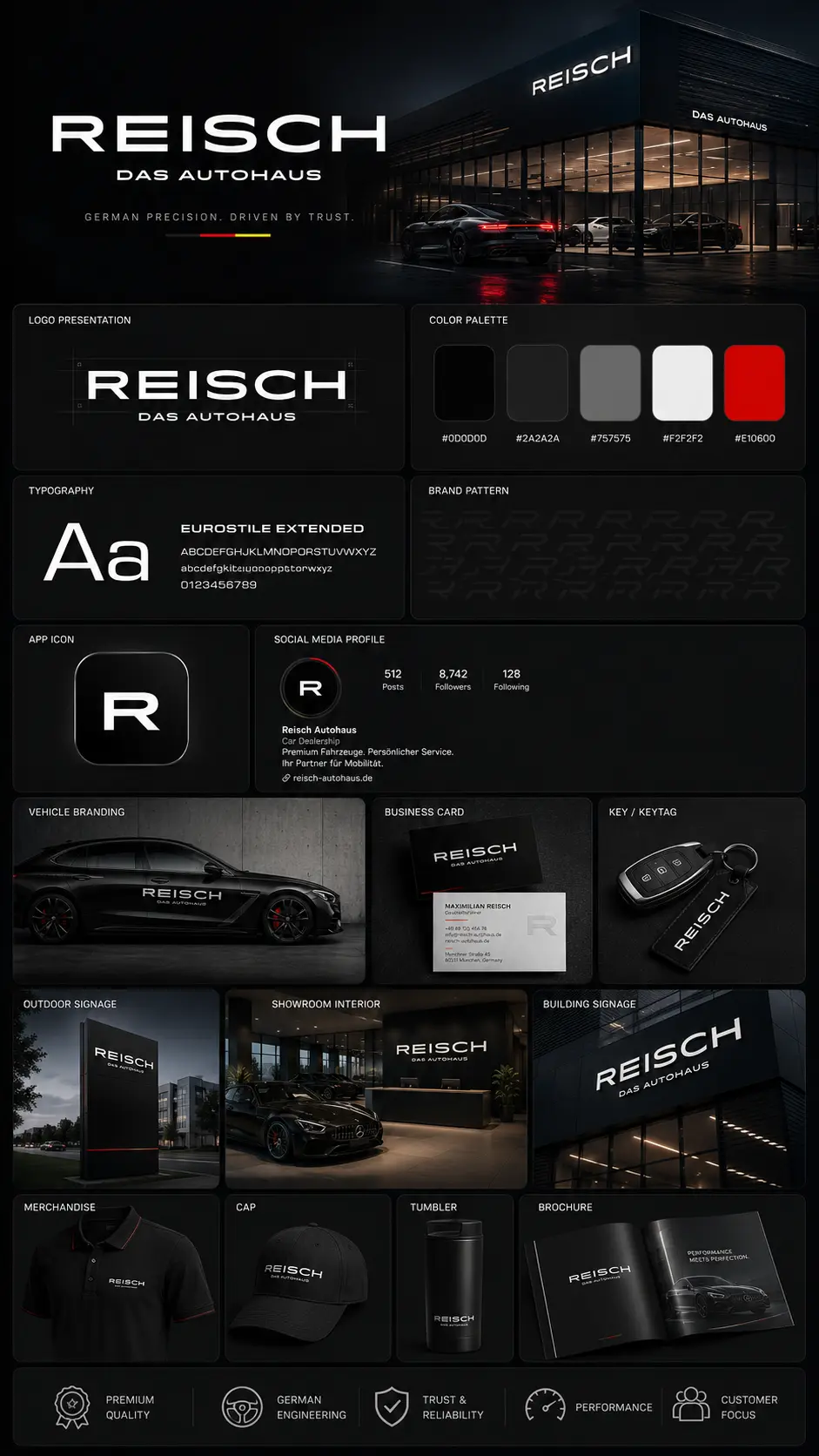
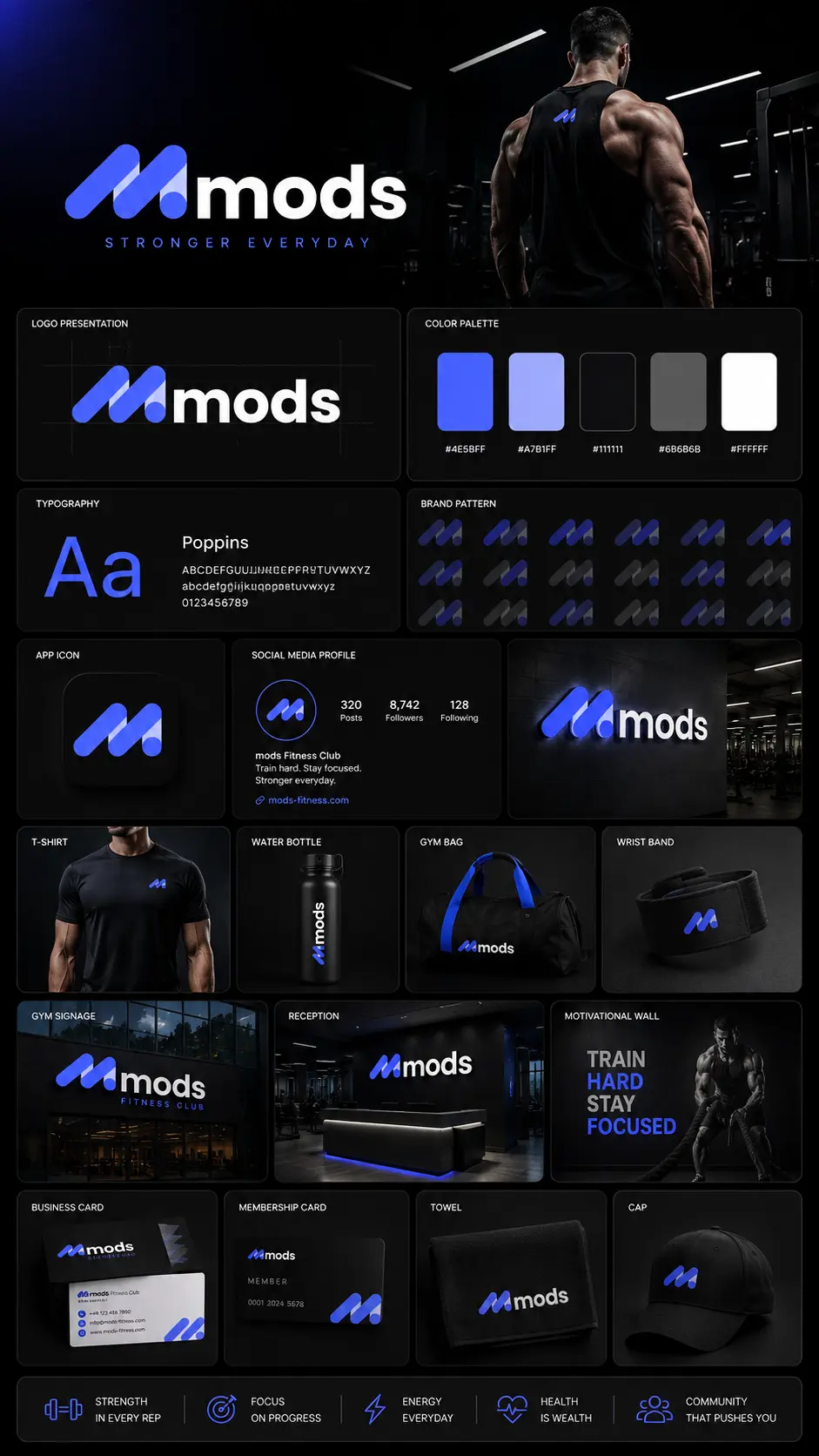
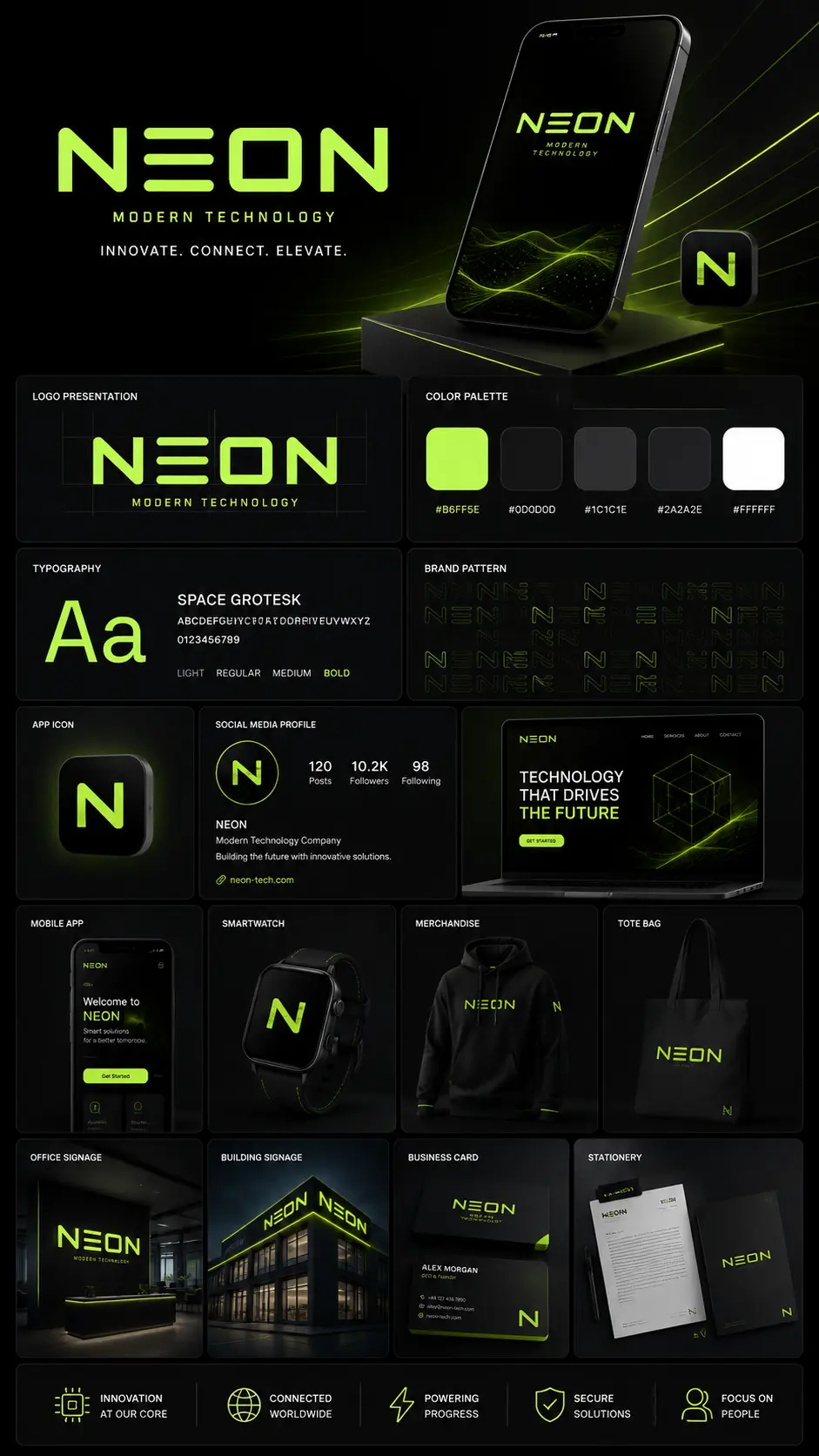
From logos and identity systems to posters and campaigns — I turn an idea into a visual language with its own character, held together by colour, type and composition, and recognisable at a glance.
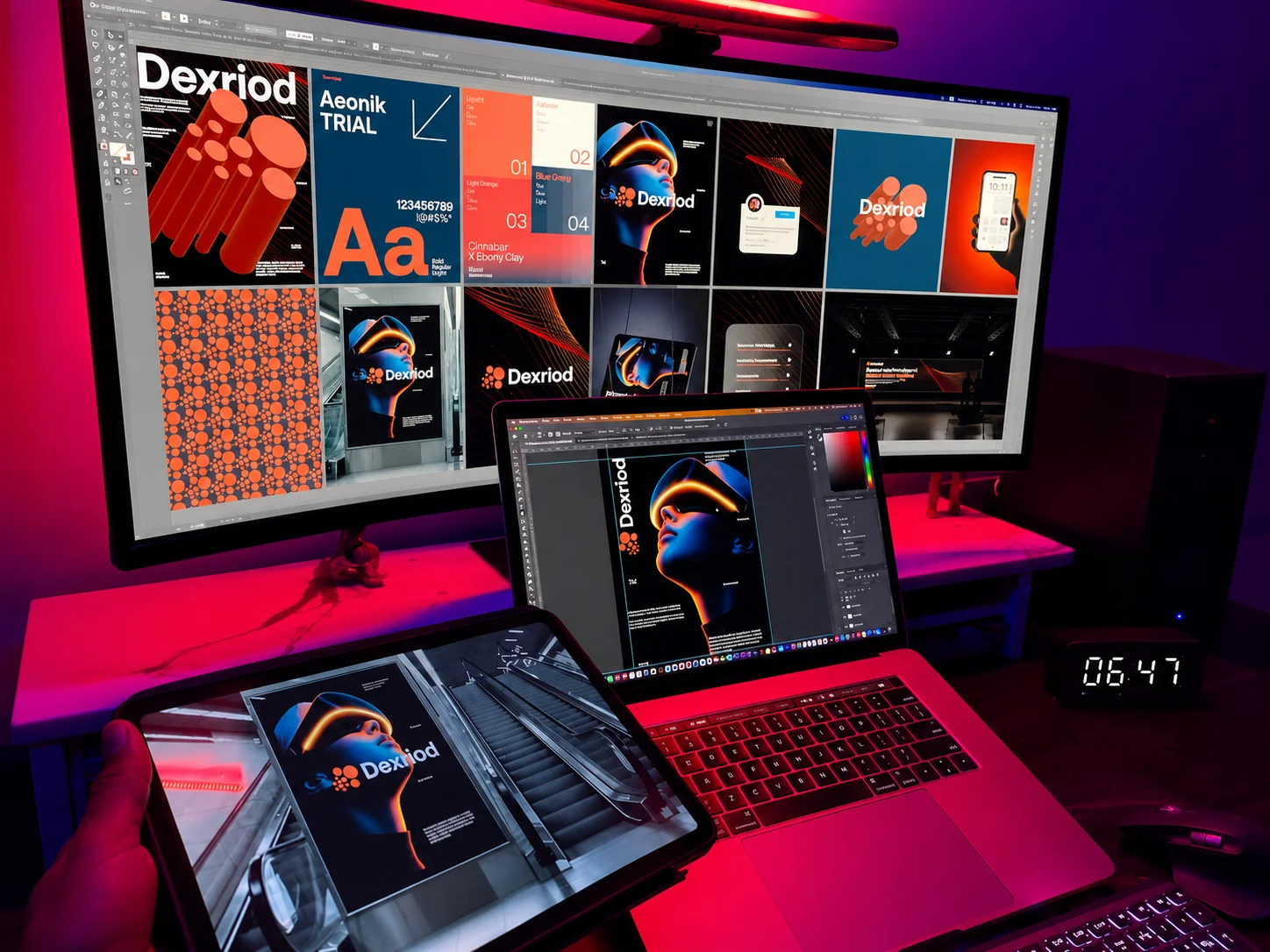
identities with presence