


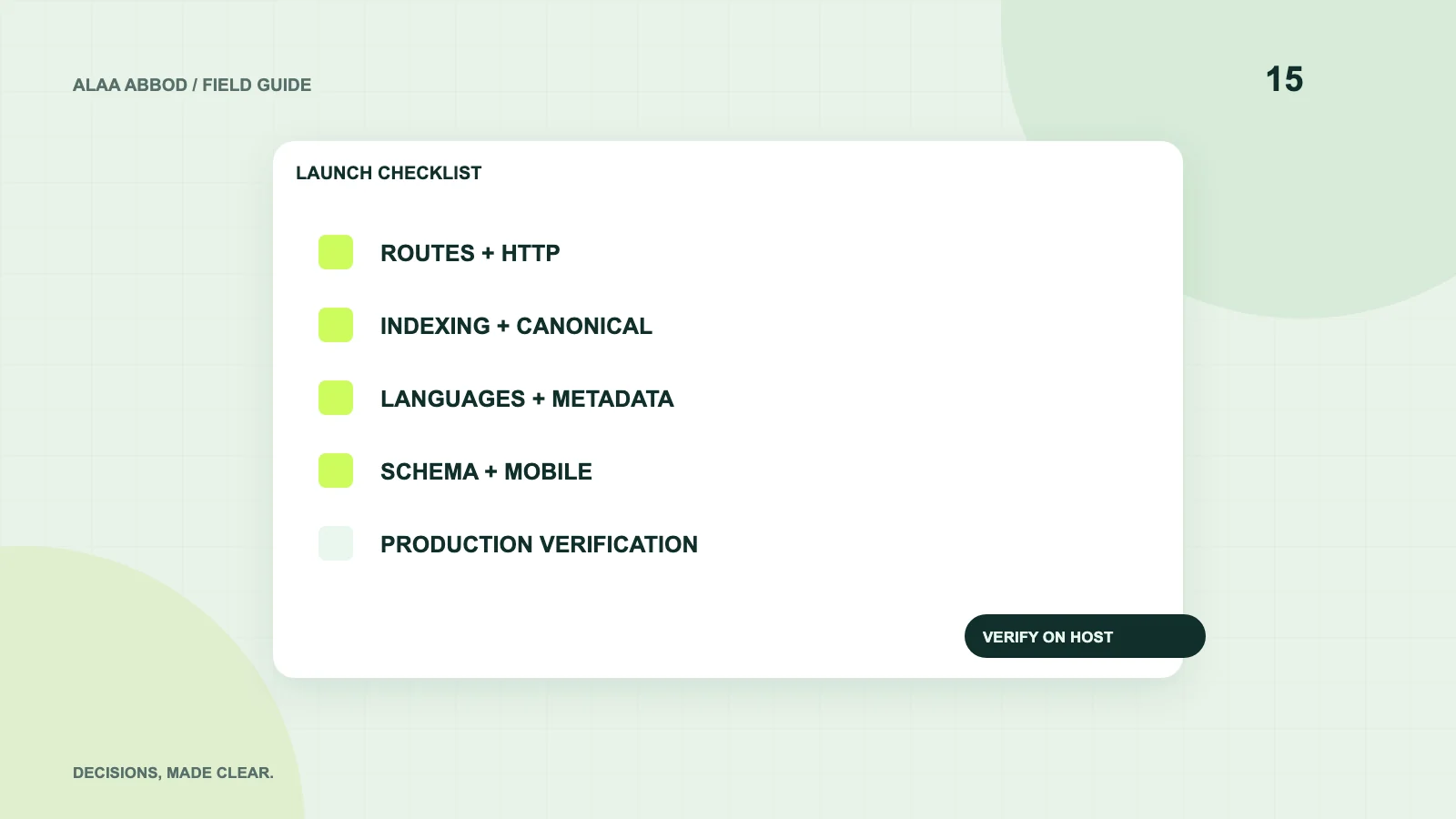
Chapter 01 / 08
Inventory URLs and expected responses
List service pages, article pages, legal pages and existing URLs that must survive. Assign each an expected status, canonical and locale. For a migration, prepare a specific redirect map and preserve old links where the page can remain.
Request actual responses rather than relying on the visual page alone. A missing URL should not return the homepage with a 200 status. A removed page should use an appropriate status or relevant redirect. Avoid redirect chains and sending every old page to an unrelated landing page.
| Check | Pass condition | Evidence to save |
|---|---|---|
| Main routes | Correct page and successful status | URL inventory and response checks |
| Old URLs | Preserved or relevant permanent redirect | Migration map |
| Missing route | Real not-found response | A deliberately unknown URL |
| Assets | Correct MIME type and successful response | CSS, JS, font and image checks |
| HTTPS | Preferred origin used consistently | Redirect and canonical checks |
Chapter 02 / 08
Remove accidental staging restrictions
Inspect robots.txt, page-level robots metadata and response headers. Confirm important pages have no accidental noindex instruction and are not blocked by staging authentication or firewall rules. Crawling and indexing are different controls; a blocked crawler cannot necessarily read an intended noindex tag.
Keep private APIs, admin paths and development files protected by access controls. robots.txt is public guidance, not a secret vault. Verify that staging hostnames, localhost links and placeholder canonical origins are absent from generated HTML and sitemaps.
Chapter 03 / 08
Verify canonical and language clusters
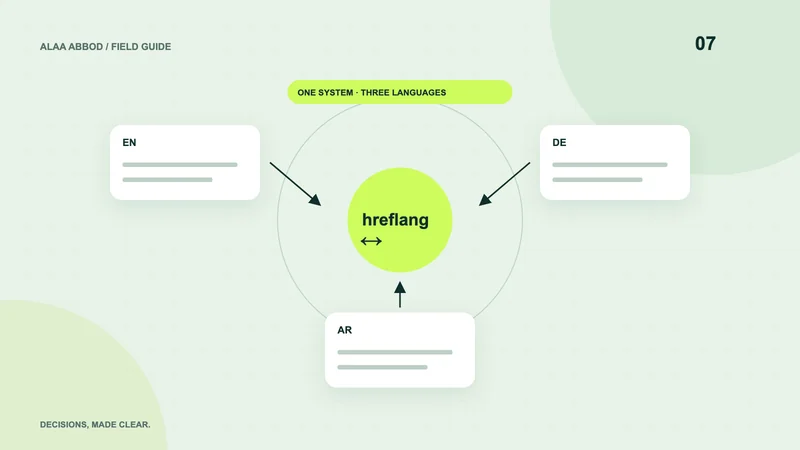
Every indexable page needs the intended absolute canonical on the production origin. A localized equivalent normally has its own canonical. Check reciprocal hreflang references and correct language codes across the same article or service, with an appropriate x-default where used.
Do not map all Arabic articles to the Arabic homepage or canonicalize translations to English by habit. Test language switches from a detail page. A switch should lead to the corresponding localized detail, with its own title and readable localized content.
- Open Load an English article directly.
- Switch Visit its German and Arabic equivalents.
- Inspect Compare canonicals and all reciprocal hreflang links.
- Return Check each version links back to the same cluster.
Chapter 04 / 08
Check the rendered information
Review one H1, useful heading order, unique page title, concise description, author and truthful dates where relevant. Open Graph and social image URLs must resolve. Include descriptive image alternatives without repeating a keyword list.
Inspect the page with JavaScript disabled where meaningful content should be server-rendered. Search-critical information should not depend on a user clicking a hidden application tab. Check linked anchors, tables, captions and keyboard focus in the final template, including RTL layouts.
Chapter 05 / 08
Validate structured data against the page
Parse JSON-LD and confirm the page type, URL, headline, author, images and publication dates match the visible content. Link entities consistently. Use Article or BlogPosting for actual articles and a truthful BreadcrumbList.
Do not invent ratings or reviews. A visible FAQ can be helpful without expecting a FAQ rich result. Run Google’s Rich Results Test where applicable and inspect schema errors separately from eligibility warnings. Valid syntax does not guarantee a search feature.
Chapter 06 / 08
Test mobile performance at the release level
Check image dimensions, responsive image selection, loading priorities, font behavior and long-running interaction work. Load the real page on a narrow phone viewport and a representative connection. Laboratory results help diagnose; field Core Web Vitals describe actual user experience when enough data exists.
Avoid lazy-loading the primary above-the-fold image. Defer below-fold media and reserve its space. Check for horizontal overflow in tables and code without preventing the page from fitting the viewport. Reduced-motion behavior and usable controls deserve the same launch attention as speed.
Chapter 07 / 08
Publish and verify discovery files
Generate a sitemap containing canonical, indexable production URLs. Use accurate last-modified dates rather than setting every page to today at each build. Verify robots.txt references the correct sitemap. If an RSS feed exists, update it consistently.
Submit or inspect the site in Search Console and Bing Webmaster Tools with the owner’s access. Inspect representative pages after deployment. A submitted sitemap is not proof of indexing, and a successful URL inspection is not a ranking promise.
Chapter 08 / 08
Keep a small post-launch watch list
Immediately recheck routes, security headers, assets, language links and the contact or purchase journey on the actual host. During the following days, review unexpected 404s, server errors, indexing exclusions and inquiries that stopped reaching the business.
Keep the previous release and a restore procedure. Record which checks passed, which field metrics are not yet available and who owns follow-up. Technical launch quality is a verified release condition, not a one-time score that secures future search exposure.
- Owner
- Named person for routes, content and hosting.
- Evidence
- Saved checks from the production origin.
- Recovery
- Known previous package and restore steps.
- Follow-up
- Indexing and business-journey review after launch.
For implementation: Explore the relevant service.