


Chapter 01 / 06
Separate user value from distribution preference
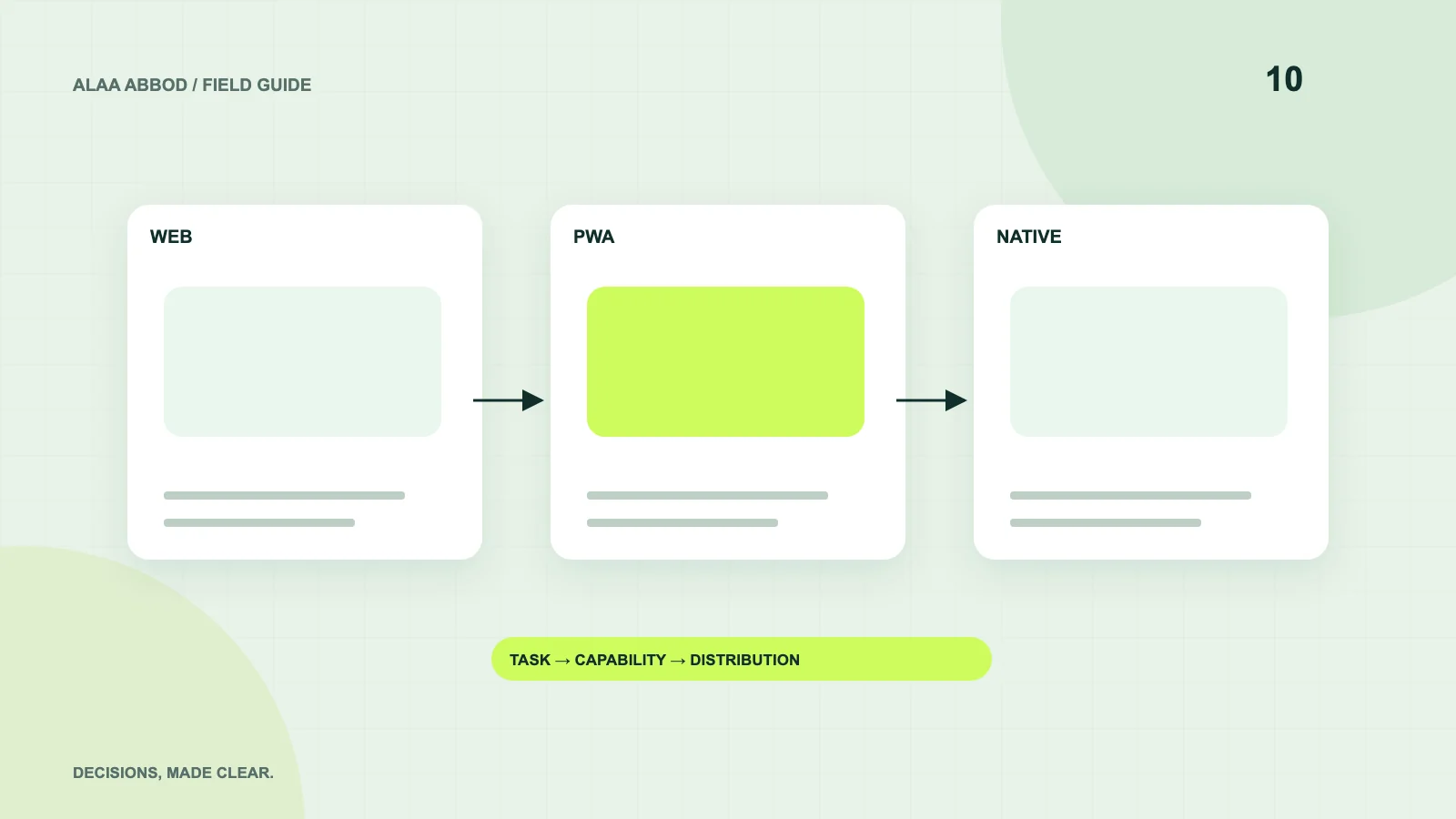
A founder may want a store listing while the buyer wants a link they can open at work. A field operator may need reliable device integration that an ordinary browser cannot provide in the required context. Begin with the user’s environment, frequency and core action.
Draw the end-to-end journey, including account setup, sharing, offline use and support. Then identify which part truly requires a platform-specific capability. Avoid building two interfaces before the same product assumption has been tested once.
| Dimension | Web app | PWA | Native / cross-platform app |
|---|---|---|---|
| Access | Open a link | Link plus supported installation | Store or managed distribution |
| Updates | Server deployment | Deployment plus cache lifecycle | Release and distribution workflow |
| Offline | Requires deliberate implementation | Service-worker strategy where supported | Deliberate storage and synchronization |
| Device integration | Browser-dependent APIs | Still browser-dependent | Platform APIs and permissions |
| Discovery | Search and links for public pages | Same web foundations | Store presence plus external acquisition |
| Operations | Web runtime and backend | Web runtime, backend and cache behavior | Mobile releases, backend and device QA |
Chapter 02 / 06
Use this decision tree
First ask whether a required device or background capability fails in the target browser. If yes, test a native or cross-platform implementation. If no, ask whether installation and a bounded offline workflow materially improve the task. If yes, evaluate a PWA. Otherwise, begin with the web app.
Then test the exceptions: an enterprise customer may require managed distribution; a public content product may need search visibility; an intermittent connection may require complex synchronization whichever interface you choose. The tree is a starting point, not a substitute for capability testing.
- Required capability unavailable in the browser?
- Yes: prototype it with native or cross-platform code. No: evaluate the next branch.
- Does installation or a defined offline flow create clear value?
- Yes: test a PWA on the supported browsers. No: start with a web app.
- Does the customer require store or managed distribution?
- Yes: validate that requirement and distribution costs. No: keep the simplest viable delivery path.
- Do users repeatedly complete the core task?
- No: improve product value before adding another platform. Yes: measure the benefit of the next interface.
Chapter 03 / 06
Offline is a data problem before it is a platform feature
Caching a page is different from completing a business action offline. Decide which data can be stored, how long it remains valid and how synchronization resolves conflicts. An order should not silently duplicate because the user taps again after reconnecting.
A PWA needs cache-version management and a recovery path for old clients. A mobile app needs local storage and version compatibility. Both need an explicit server contract for retries. Prototype the hardest offline scenario using representative data, not a static demo screen.
Chapter 04 / 06
Three startup scenarios
For a B2B dashboard used on laptops and shared by links, a web app is a sensible initial hypothesis. For a repeat-use checklist with a limited offline task, a PWA may add value if target browsers support the necessary behavior. For a field app depending on specialized hardware or background operations, platform code may be necessary.
These are illustrative scenarios, not universal recommendations. Use a small capability spike to verify each. A shared backend can support multiple interfaces later, but build its boundaries around the domain rather than speculative future platforms.
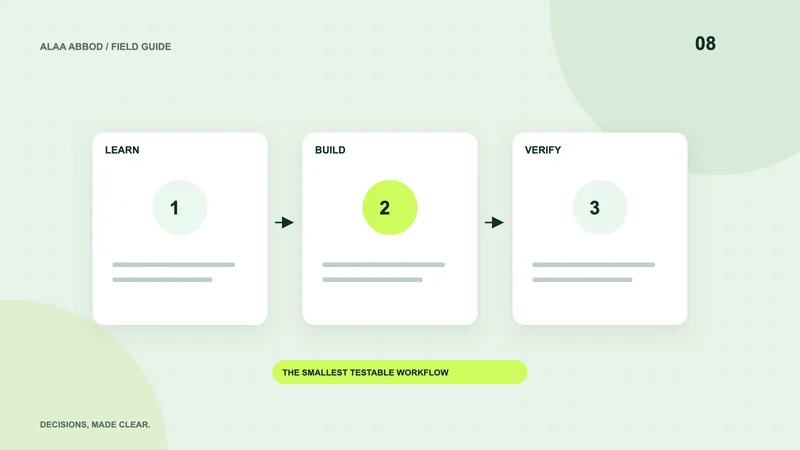
- Environment List devices, browsers, connections and distribution rules.
- Spike Implement the hardest capability with realistic data.
- Pilot Test the core task with intended users.
- Expand Add a platform only when the additional value is demonstrated.
Chapter 05 / 06
Measure the complete cost
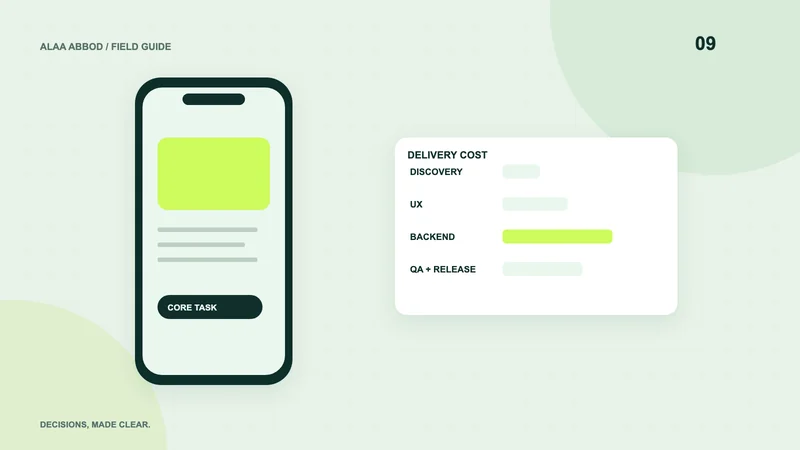
Web delivery still needs backend operations, security and QA. PWA delivery adds cache behavior and supported installation testing. Mobile delivery adds platform releases, store review and device compatibility. A shared codebase reduces some duplication while retaining those responsibilities.
Estimate discovery, design, implementation, QA, launch and maintenance for the same workflow. Avoid pricing each option by screen count. Ownership of accounts and the ability to deploy a new version belong in every proposal.
Chapter 06 / 06
Make a reversible first decision
Choose a small release with clear domain boundaries, documented APIs and a maintainable content and data model. Avoid rewriting a working web product merely to gain an icon on the home screen. Conversely, do not force a browser to approximate a requirement it cannot reliably meet.
Record the decision and the capability evidence behind it. Revisit it when the actual user task or operating constraints change. Platform choice is a means of delivering a useful product, not a substitute for finding one.
For implementation: Explore the relevant service.